

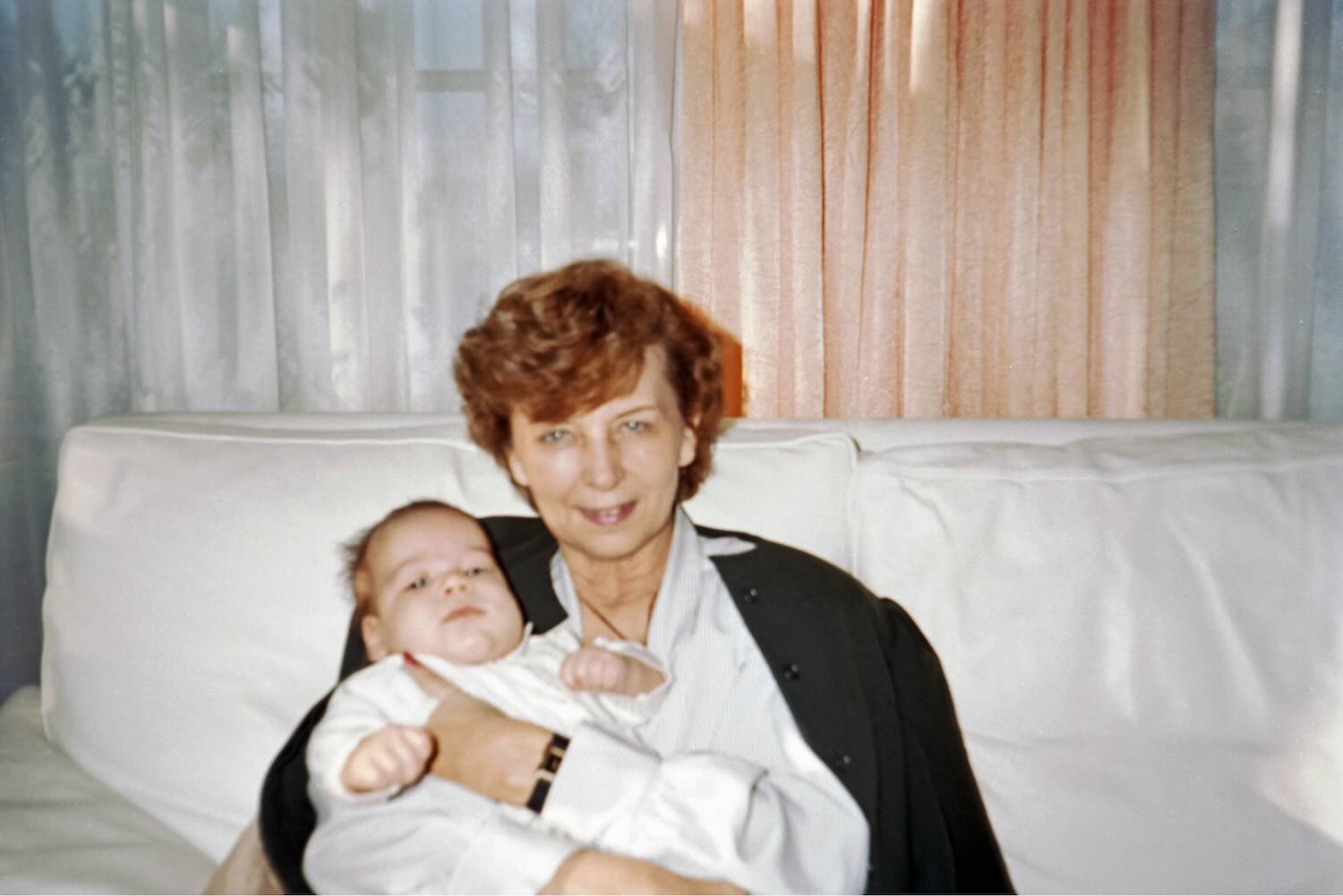
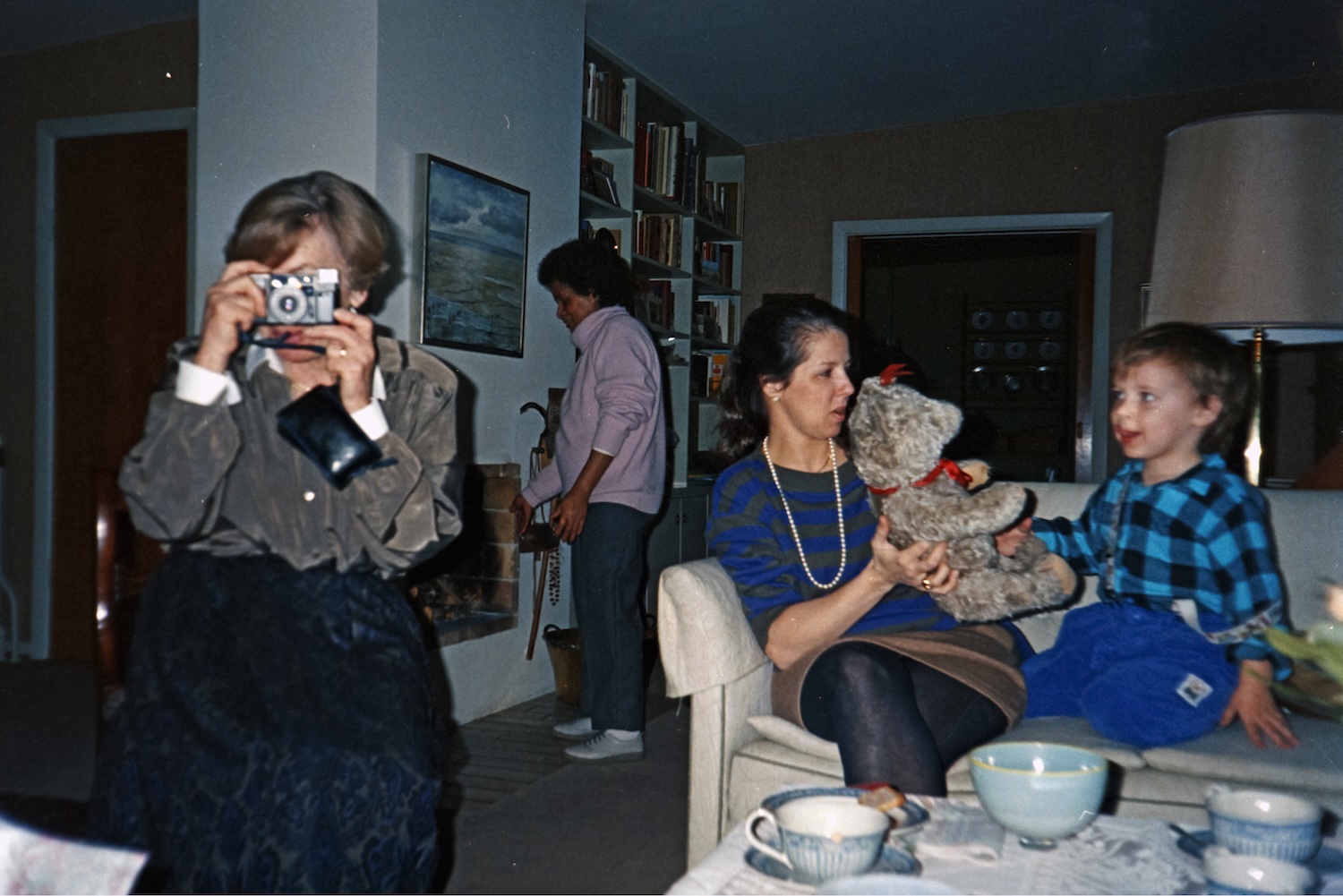
Metadata workflow · For event photographers
Your client identifies
the faces.
You deliver publication-ready files.
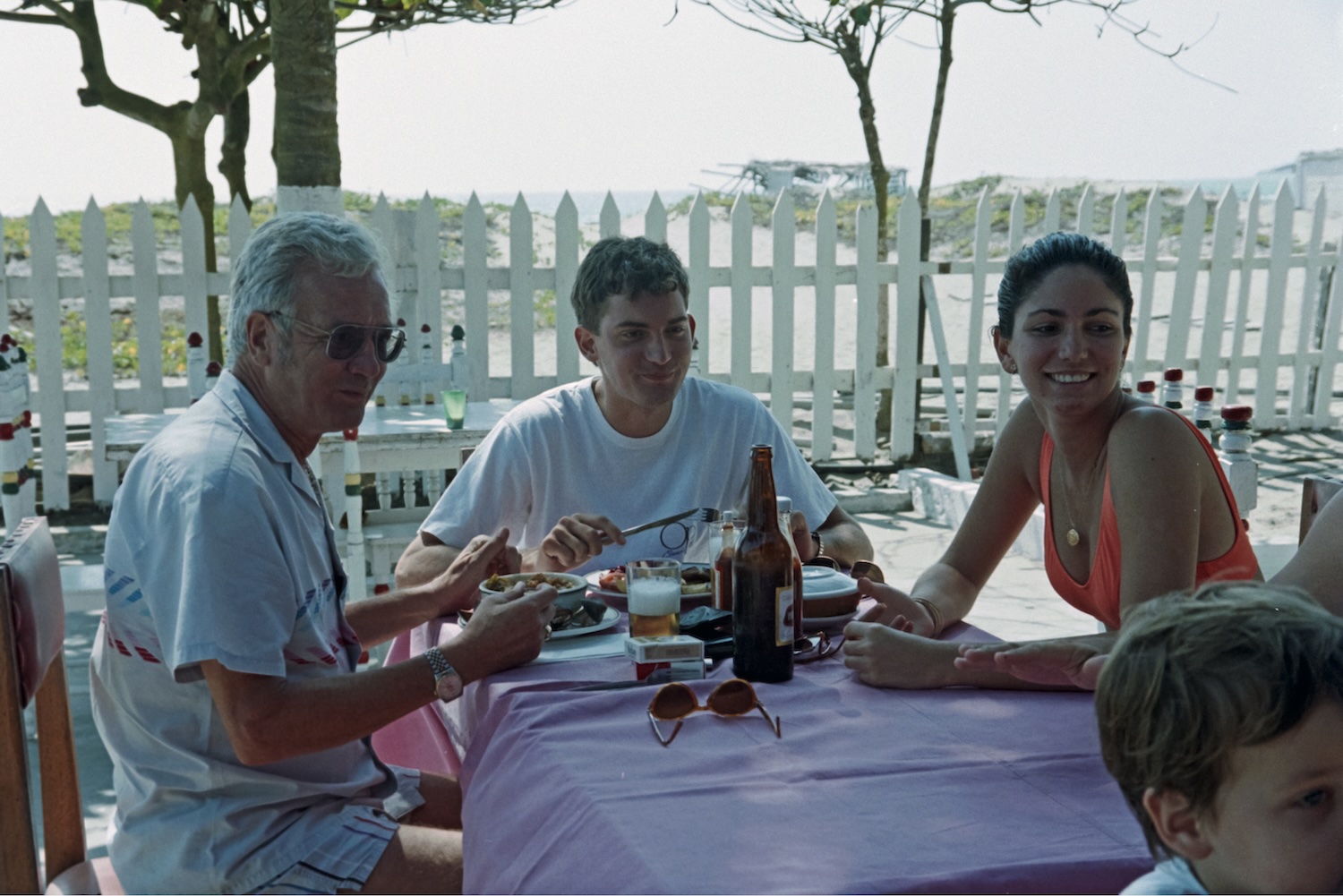
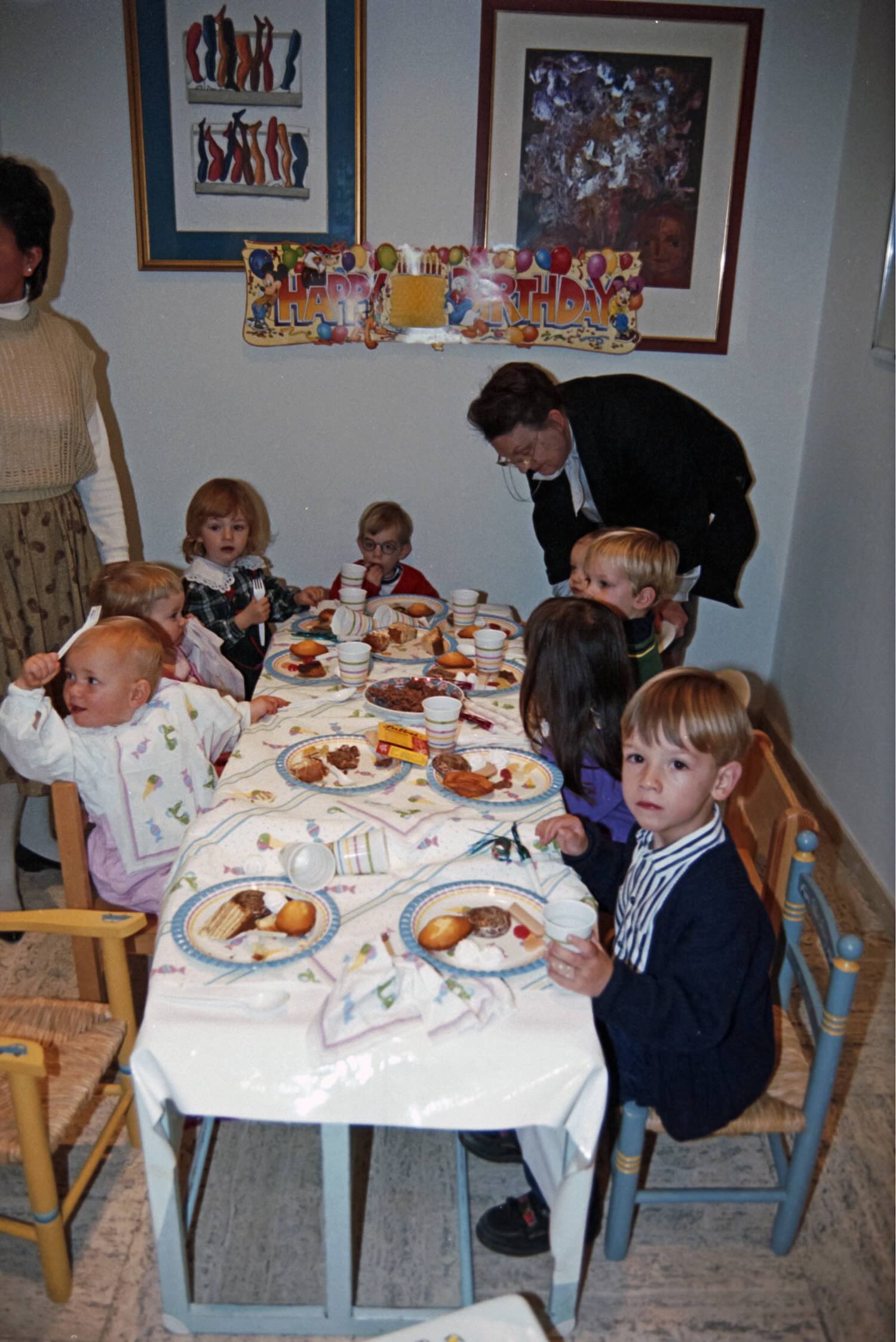
Upload the event shots. Send a private link to your organizer or client. They tag speakers, attendees, and key moments. You export with complete IPTC metadata for editorial, licensing, or delivery.
No app or account needed for contributors.
Free forever · No credit card required
Client-powered keywording
Your organizer or client identifies speakers, attendees, and key moments — no Zeuge account required on their end.
Voice or text input
Contributors can speak or type. AI handles transcription and structures the response into metadata fields automatically.
IPTC / XMP for editorial
Metadata formatted for press, editorial, and licensing workflows. Embedded in files or exported as XMP sidecars.
One batch per event
Keep corporate events, conferences, and ceremonies in separate batches. Each batch gets its own link and export.
Lightroom XMP sidecars
Drop XMP files into your existing catalog on import. No re-keywording, no manual tagging.
Multiple export paths
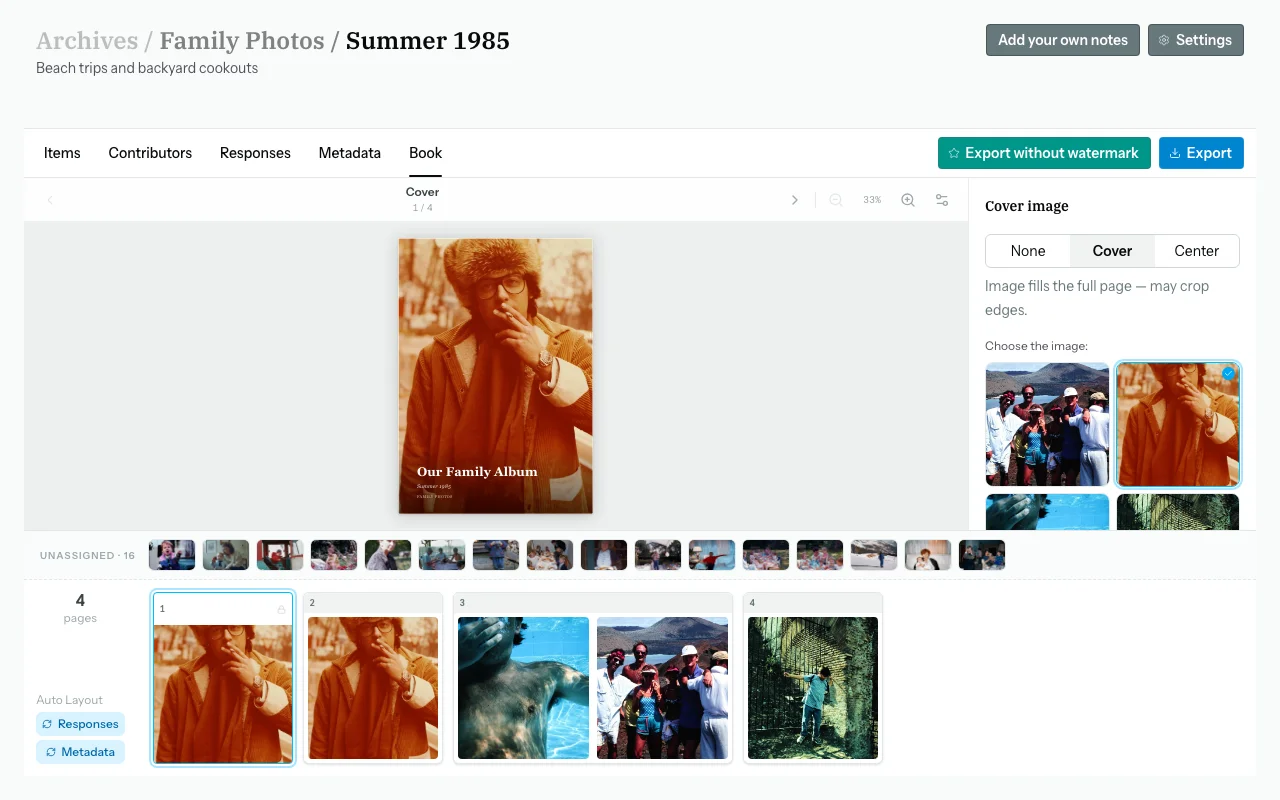
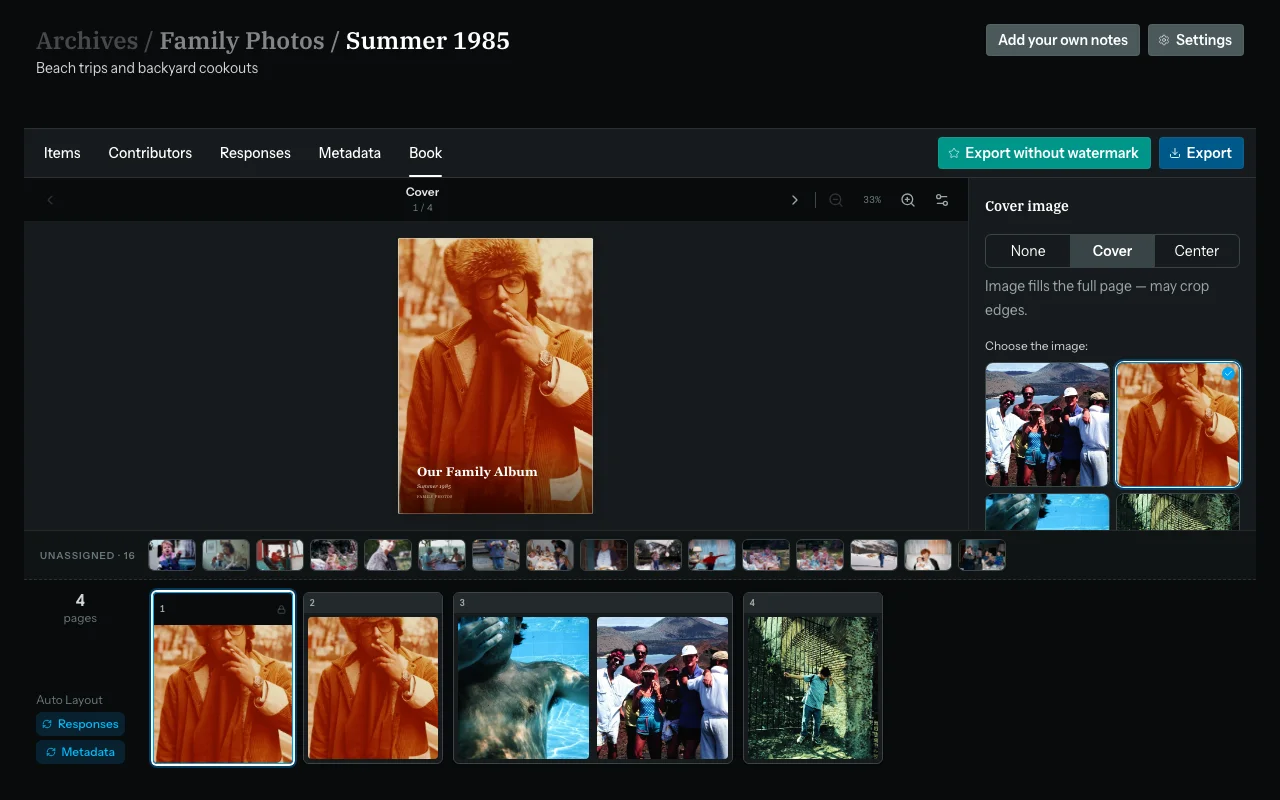
IPTC-embedded files, XMP sidecars, shareable web galleries, or a print-ready book — pick what your client needs.
How it works
A few simple steps. No technical setup required.
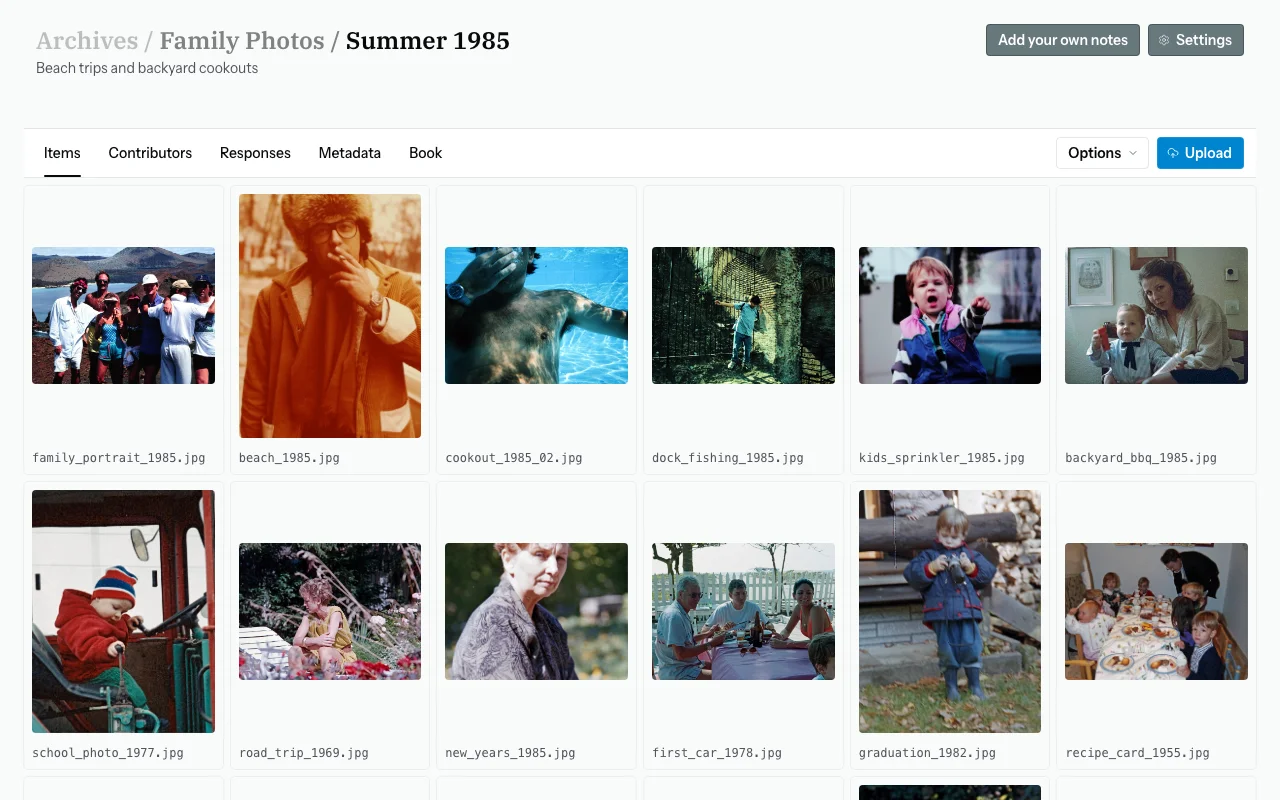
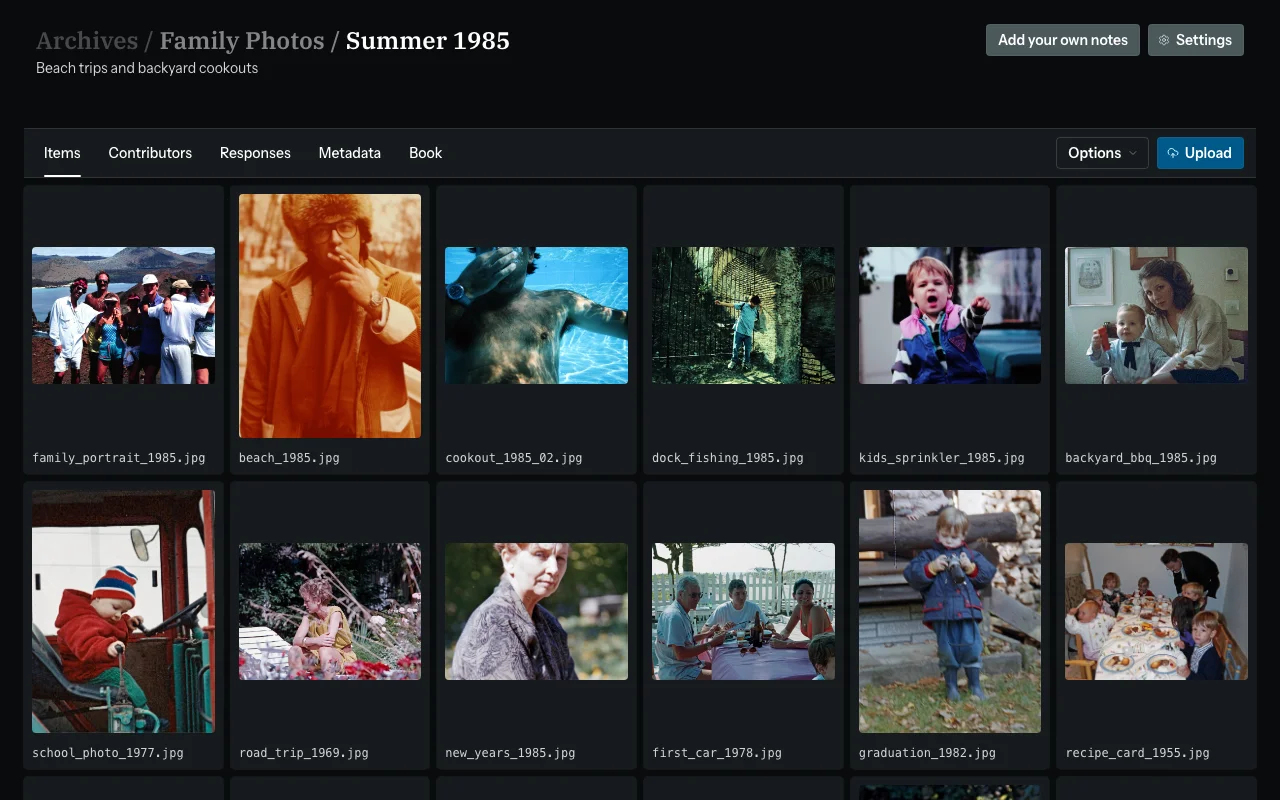
Upload the event shots
Drag-and-drop RAW, JPEG, or HEIC files into a Zeuge batch. Keep each event in its own batch for clean organization.
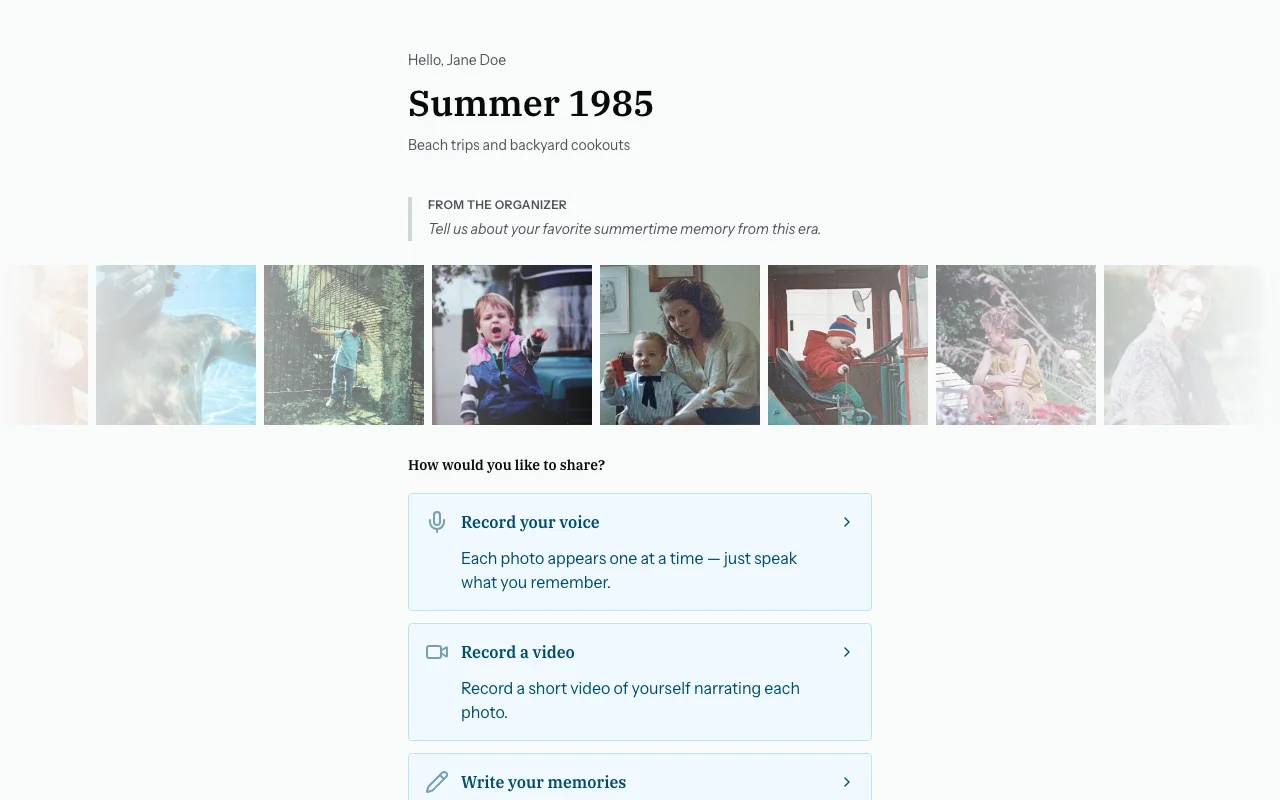
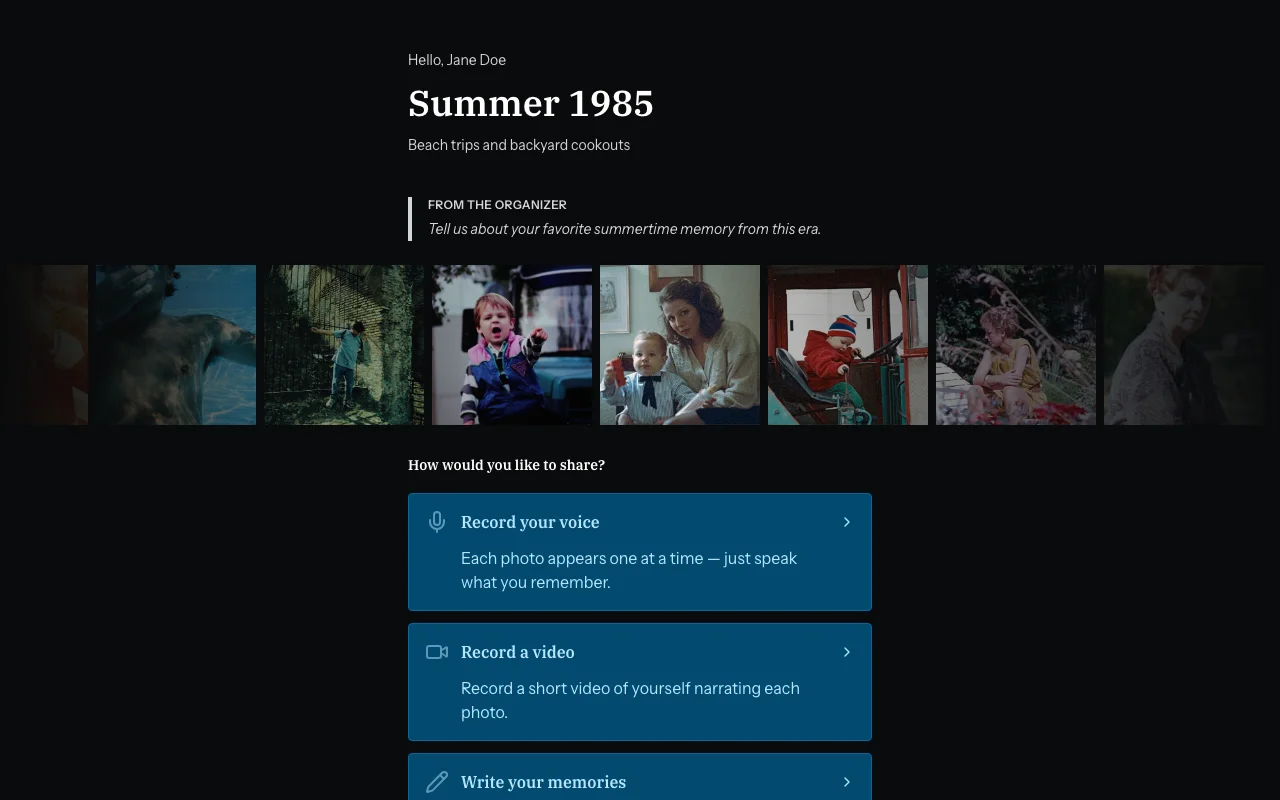
Send a private link to your client
Zeuge generates a private contributor link. The event organizer opens it in any browser — no account, no app needed. They see only the photos you assigned them.
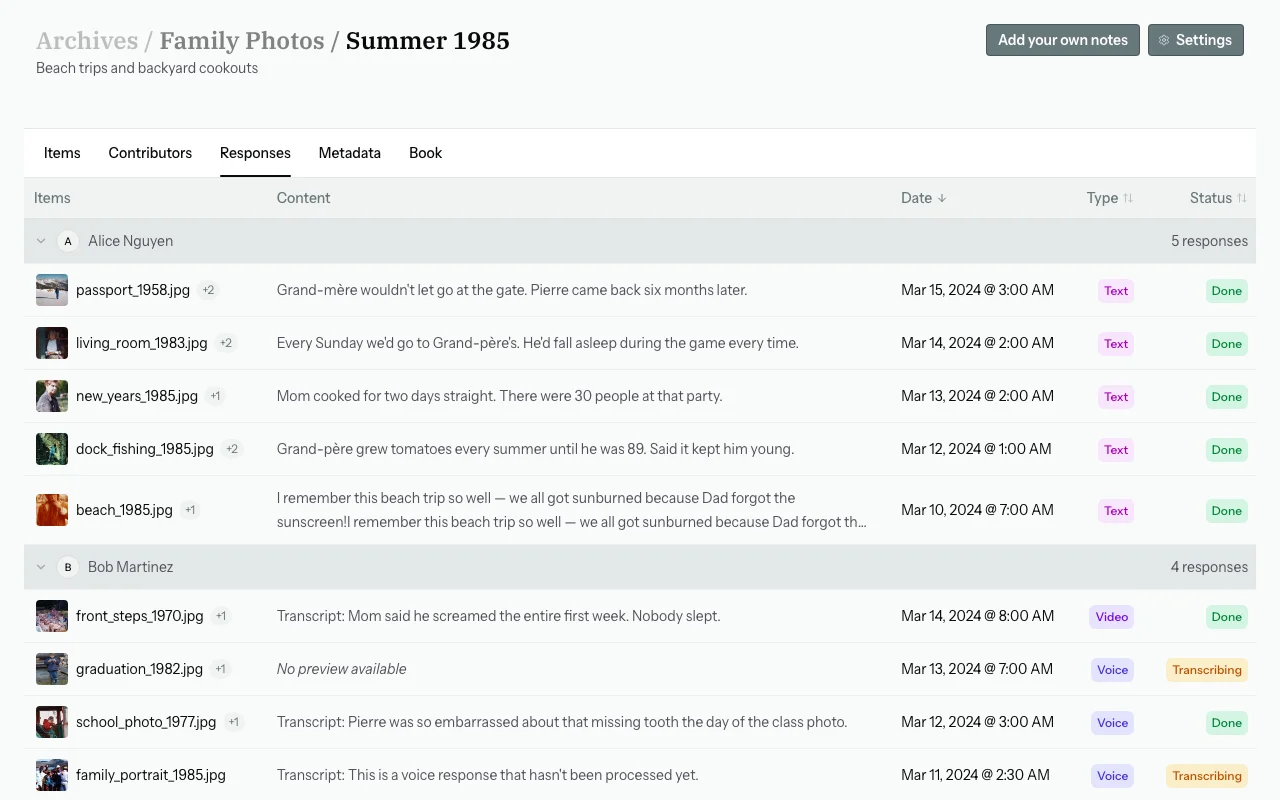
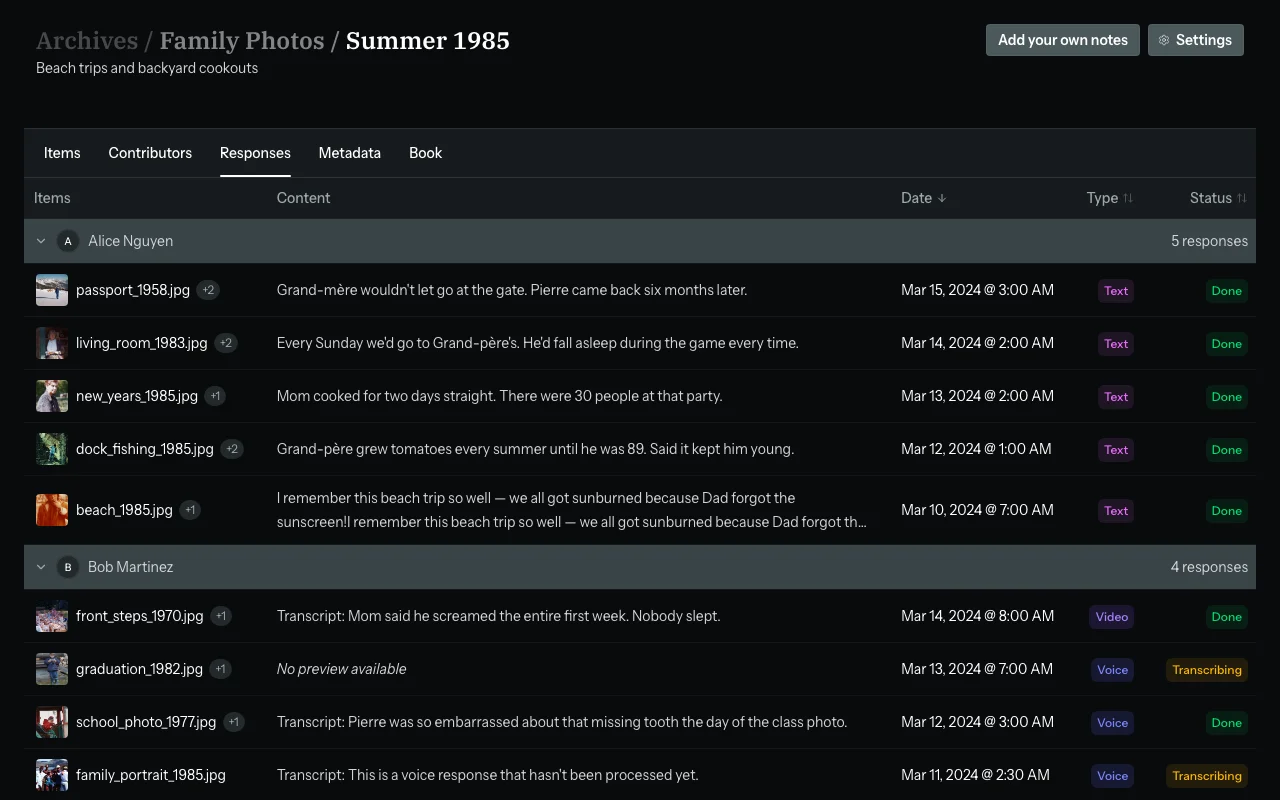
They tag people, roles, and moments
Speakers, sponsors, key attendees — contributors provide names, job titles, and context. AI extracts and structures that into clean IPTC-ready metadata.
Export for delivery
Download XMP sidecars for Lightroom, or export IPTC baked directly into each file. Deliver publication-ready images to press, the client, or your archive.
Files your clients and editors can actually use
Metadata formatted for press workflows, licensing, and direct client delivery.
Photo book
Print-ready PDF
Galleries
Shareable galleries
IPTC / XMP
Embedded in image files
XMP sidecars
Drop-in for Lightroom
Lightroom Classic Plugin
Create and manage collections directly from Lightroom Classic
Video
Narrated MP4 slideshow
Simple, honest pricing
Start free. Upgrade as your event volume grows.
Free
Try Zeuge with no credit card required.
forever
Total items
100
Contributors / batch
3
Watermarked book exports
Yes
Visual similarity grouping
AI similarity engine
Small
For individuals getting started with archiving.
billed monthly
Save $24/yr billed annually
Total items
3000
Contributors / batch
Unlimited
Watermarked book exports
Yes
Visual similarity grouping
AI similarity engine
Medium
For serious archivists who need more scale and AI tools.
billed monthly
Save $48/yr billed annually
Total items
20000
Contributors / batch
Unlimited
Watermarked book exports
Visual similarity grouping
AI similarity engine
Large
For organizations with large archiving needs.
billed monthly
Save $108/yr billed annually
Total items
Unlimited
Contributors / batch
Unlimited
Watermarked book exports
Visual similarity grouping
AI similarity engine
All plans include visual similarity grouping. AI similarity engine available on Medium and above.
Common questions
Does my client need a Zeuge account?
No. They receive a private link and open it in any browser. No sign-up, no app download required.
Can multiple people from the client side contribute?
Yes. Multiple contributors can respond to the same batch. Each person's input is collected separately, so you can compare what different stakeholders provided.
Will metadata integrate with my Lightroom catalog?
Yes. Zeuge exports XMP sidecar files that Lightroom reads on import. Names, descriptions, and keywords appear in the catalog automatically.
What if a contributor makes an error?
You review and edit all responses before exporting. You stay in full control of what ends up in the final metadata.
What image formats can I upload?
JPEG, PNG, WebP, TIFF, HEIC, and camera RAW files including DNG, NEF, CR2, and ARW. Maximum 50 MB per file.
Stop manually keywording post-event.
Your clients know who's in the photos. Let them tell you — in their own words, at their own pace. You get clean, exportable metadata without the manual grind.
Create your first archiveFree forever · No credit card required · Cancel anytime